
How to get your first bookings
Your system is ready. Now the key is to start actually using it and bring your first clients to book online.
Don’t wait for the perfect moment. Start with simple actions today.
What “first bookings” means
These don’t have to be completely new clients. At the start, it’s important that at least a few real people book through the system.
- your regular clients;
- friends who can test the booking process;
- new clients from Instagram or messengers;
- even 1–2 bookings are enough to get things moving.
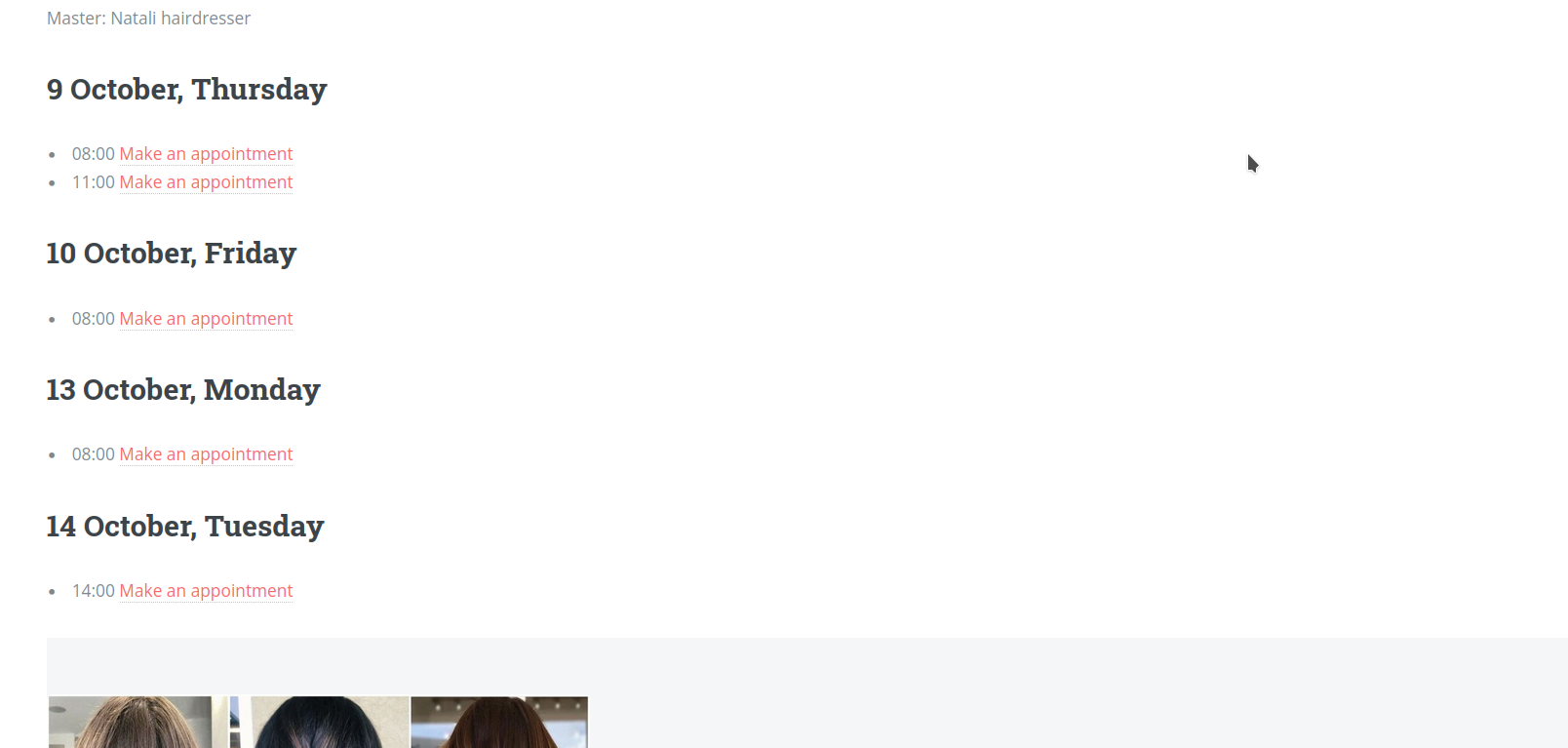
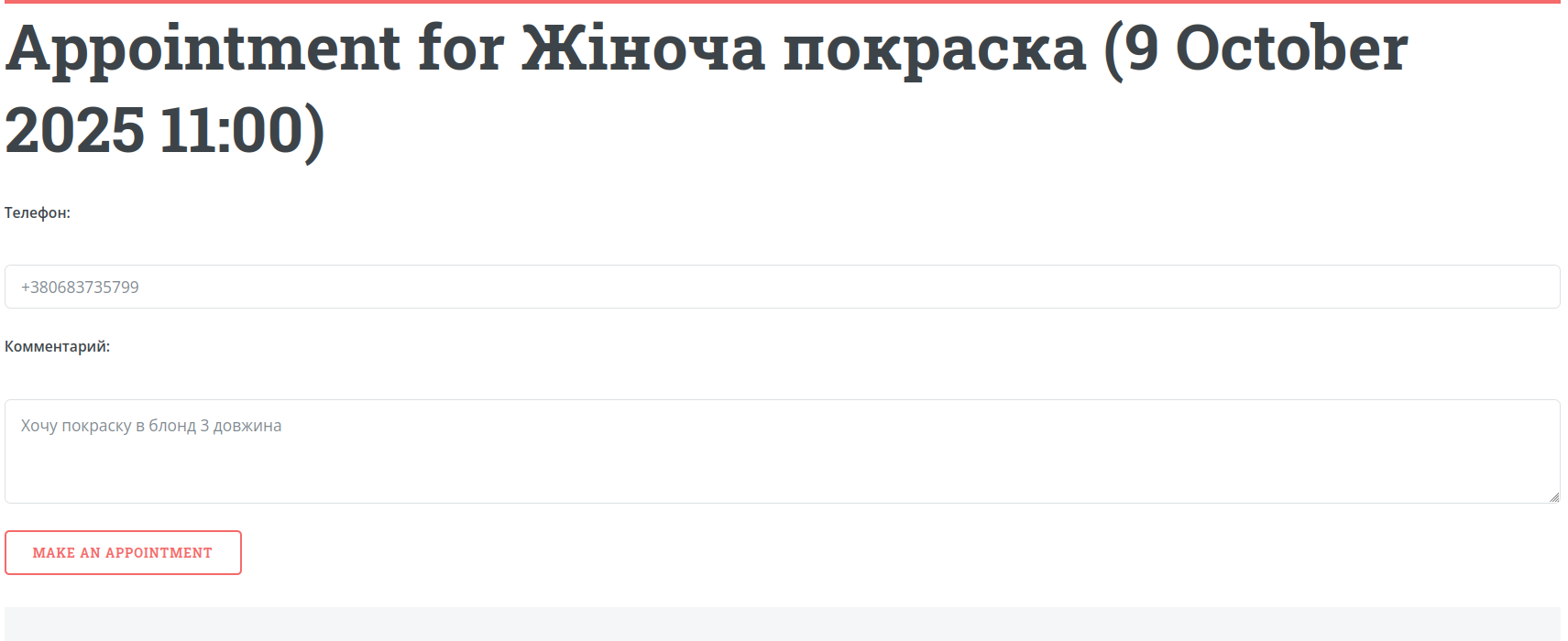
Where to start
1. Send your link to a few people
Don’t wait for clients to find it themselves. Send your booking page to 3–5 people who already know you or have used your services before.
2. Add the link to your social media
Instagram bio, Telegram, WhatsApp, stories, posts — anywhere a client can quickly click and book.
3. Start sending the link instead of replying manually
If a client asks “What time is available?”, don’t type everything manually. Just send your booking link.
4. Test it yourself
Make one test booking to see the process from the client’s perspective and ensure everything works correctly.
The simplest message to a client
Keep it simple and clear:
“Here is the booking link — please choose a convenient time for you.”
This looks professional and helps clients get used to using the system.
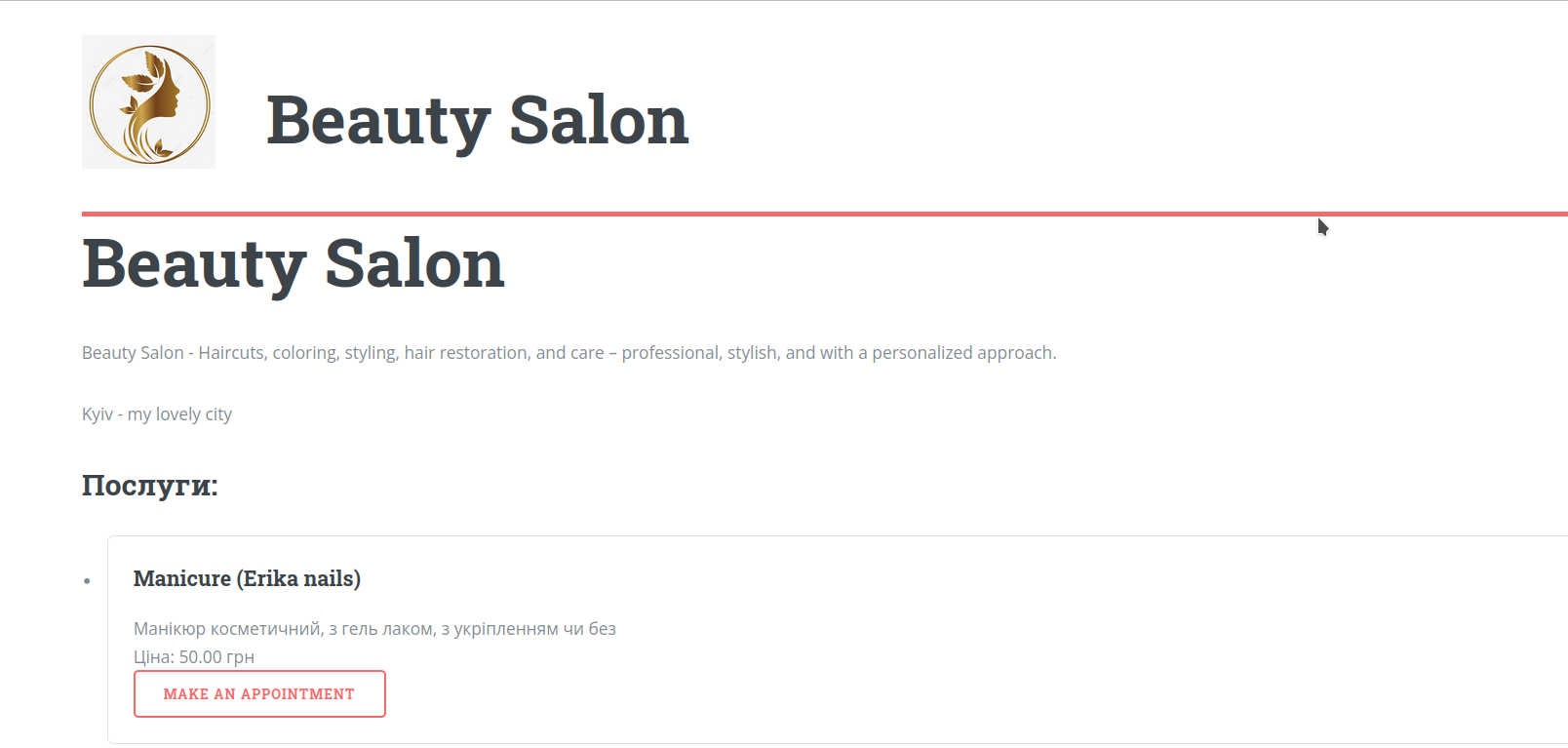
What usually blocks the start
“I haven’t finished setting everything up”
You don’t need a perfect setup. A basic profile, one master, and a few services are enough to start.
“Clients are not used to it yet”
They will get used to it if you consistently send the link and guide them into using the system.
“It’s easier to reply manually”
It may feel easier at first, but manual conversations quickly become the biggest time drain.
What 3–5 bookings give you
Real system testing
You see how booking, calendar, reminders, and confirmations work in real life.
The first habit
You and your clients start using one clear process instead of chaotic conversations.
First data for analysis
You start getting bookings, clients, history — and can already use reports and see real workload.
Your action plan for today
1. Check your page
Open it as a client and see if everything looks clear and understandable.
2. Send the link to 3 clients
Do it today. Don’t overthink it.
3. Add the link to Instagram or messenger
So new clients can immediately use it.
4. Make one test booking
Make sure reminders, calendar, and statuses work as expected.
Final thought
The system starts delivering value not when everything is perfect, but when you actually start using it.
Your goal now is not to add more features, but to get real people to book through your page.